
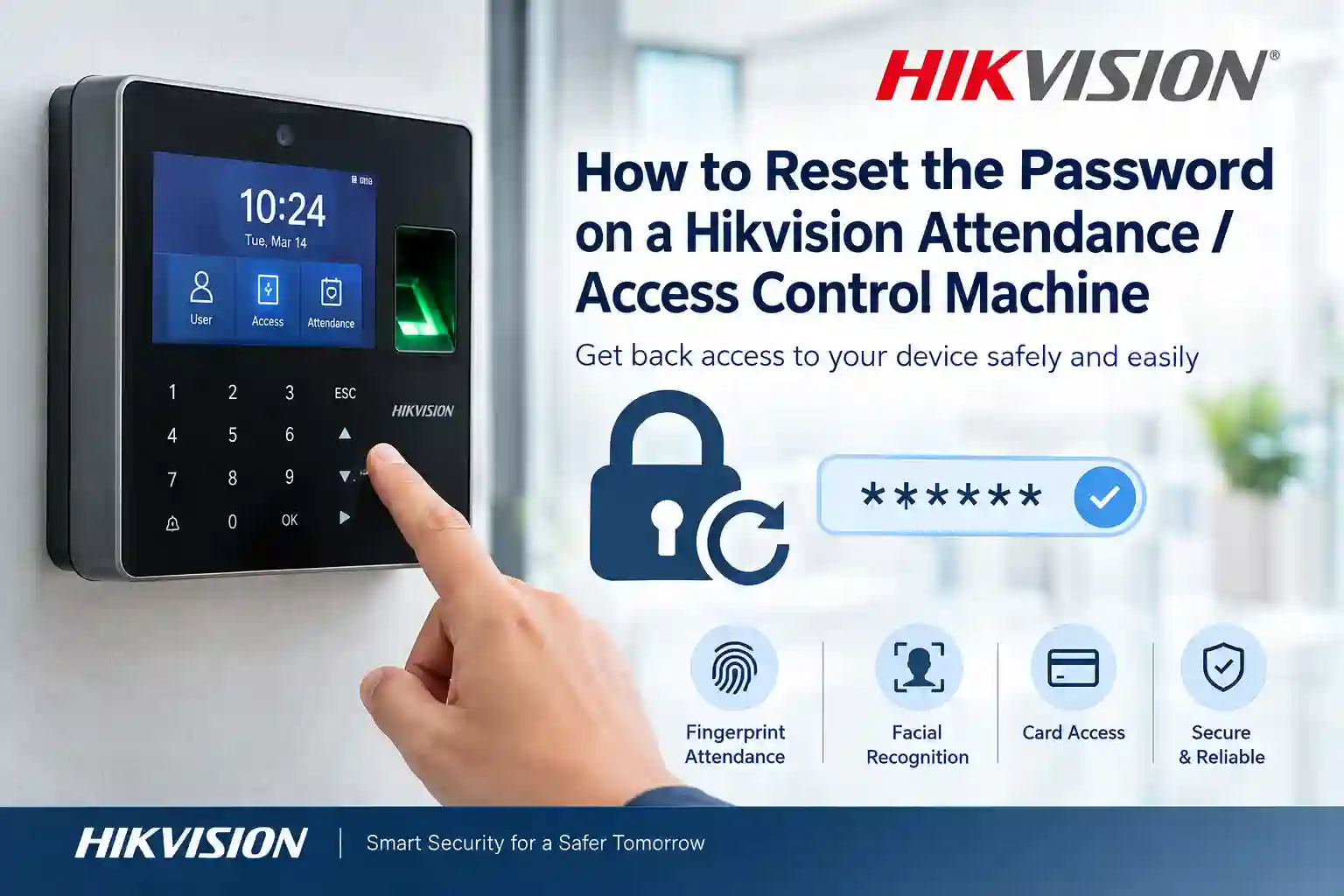
Hikvision attendance and access control machines are widely used by businesses for employee attendance, door access, visitor management and biometric identification. Depending on the model, these devices may support fingerprint recognition, facial recognition, PINs, cards, Wi-Fi, TCP/IP and other communication methods.
Like any network-connected security device, Hikvision terminals are protected by an administrator password. If the password is forgotten, administrators should use the manufacturer’s approved recovery procedure rather than attempting to bypass the device’s security.
Why You May Need to Reset a Hikvision Device Password
There are several situations where an administrator may need to recover or reset the password:
- The original administrator has left the company.
- The password was forgotten.
- The device was installed by another technician.
- The machine has been moved to a new office.
- The device needs to be configured with a new administrator account.
- The terminal has been reset or reconfigured as part of a system upgrade.
The exact password-recovery procedure depends on the Hikvision model, firmware version and management software being used.
Check the Hikvision Model Before Starting
Before attempting password recovery, identify the exact model number of the terminal. The model is normally printed on a label on the device or shown in its system information.
Hikvision has many attendance and access-control products, including terminals designed for fingerprint, facial recognition and card-based authentication. The available recovery options can therefore differ from one device to another.
It is also important to identify whether the device is managed through software such as HikCentral Professional, iVMS-4200 or another Hikvision platform, because the administrator credentials may be managed differently depending on the installation.
Method 1: Use Hikvision's Official Password Recovery Process
For many Hikvision devices, the recommended approach is to use the official password-reset or password-recovery procedure.
The administrator may be required to provide information such as:
- Device model
- Device serial number
- Device verification information
- Exported device information or a recovery file
- Proof that the requester is authorized to manage the device
Depending on the model and firmware, the recovery process may involve exporting a file from the device or management software and obtaining a corresponding reset file or verification response from an authorized Hikvision support channel.
The exact procedure should be followed for the particular device rather than using a generic reset method.
Method 2: Reset Through Compatible Hikvision Software
Some Hikvision terminals can be discovered and managed through compatible Hikvision software.
If the device is connected to the same network as the administrator’s computer, the software may allow the administrator to identify the device and access its configuration and password-recovery functions.
However, the available options depend on the device generation and firmware. A feature available on one Hikvision terminal may not be available on another.
Before resetting anything, it is advisable to record the device’s:
- IP address
- Port settings
- Device name
- Network configuration
- Communication settings
- Existing attendance software configuration
This can make it easier to reconnect the terminal after password recovery.
Method 3: Contact Hikvision Support or an Authorized Service Provider
Does a Factory Reset Remove the Password?
A factory reset and an administrator-password recovery are not necessarily the same thing.
A factory reset can return a device to its default configuration, but the behavior varies according to the specific Hikvision model and firmware. In some cases, resetting the device may also remove configuration data, network settings, users or other stored information.
Therefore, do not perform a factory reset simply because the administrator password has been forgotten unless you understand the consequences and have confirmed that the procedure is appropriate for that model.
What Happens to Attendance Data?
Before performing any reset or reconfiguration, check whether attendance records are stored locally on the terminal or have already been synchronized with attendance-management software.
If the machine contains important employee attendance records, a reset should not be performed without first determining whether those records can be backed up or synchronized.
Businesses using Hikvision attendance terminals should ideally configure regular data synchronization with their attendance-management platform to reduce the risk of losing important records.
Password Reset vs. Device Initialization
It is also useful to distinguish between password recovery and device initialization.
Password recovery is intended to restore authorized administrator access while preserving the device’s intended configuration where possible.
Device initialization is generally associated with preparing a device for a new installation or returning it to an initial configuration state.
The appropriate option depends on the reason for the reset and the device’s current configuration.
Important Security Considerations
A Hikvision attendance or access-control terminal controls sensitive business information and, in some installations, physical access to offices or restricted areas.
After recovering access to the device, administrators should:
- Create a strong administrator password.
- Avoid sharing administrator credentials with ordinary users.
- Change credentials that may have been known by former installers or employees.
- Restrict access to the device’s management interface.
- Keep the terminal’s firmware and management software appropriately updated.
- Document the administrator credentials securely.
- Maintain backups or synchronization of important attendance information.
- Review network access to the terminal.
For network-connected access-control devices, password security should be treated as part of the overall physical-security system.
When Should You Call a Professional?
Professional assistance is recommended when:
- The administrator password is unknown.
- The device is connected to a live access-control system.
- Attendance records are important.
- The device is connected to Hikvision management software.
- The terminal controls an important entrance.
- The model or firmware version is unclear.
- Previous password-recovery attempts have failed.
- A factory reset could cause loss of configuration or records.
A technician can identify the exact model, determine the appropriate recovery procedure and help restore the terminal without unnecessarily disrupting the access-control or attendance system.
Conclusion
Resetting a Hikvision attendance or access-control machine password should be approached carefully. There is no single password-reset procedure that applies to every Hikvision terminal because recovery options can vary according to the model and firmware.
The best approach is to identify the exact Hikvision model first and then use the manufacturer’s approved recovery procedure or assistance from an authorized service provider. Avoid unofficial password-bypass methods, especially on devices connected to business attendance or physical access-control systems.
For companies in Dubai and the UAE, professional installation and support can also help ensure that